- Original
- 236 KB · 960 × 640
- Result
- 83 KB · JPG
Lower quality preserved the dimensions and a natural appearance.
Pixel and KB image compressor
Upload an image, set a maximum file size in KB or exact pixel dimensions, and download a verified result. Everything runs in your browser.
Direct answer
Two images with identical dimensions can have very different file sizes. Format, detail and quality determine the final KB, so CompressResize encodes your real file and measures the downloadable result.
Tell us what it is for. We will handle the pixels, format and file size.
JPG, PNG, WebP or HEIC. Up to 25 MB.
JPG, PNG, WebP or HEIC. Processed locally in your browser.
Good balance for photos, receipts and screenshots sent by email.
Add an image to continue.
Images are processed locally. Nothing is uploaded or stored.
Real result
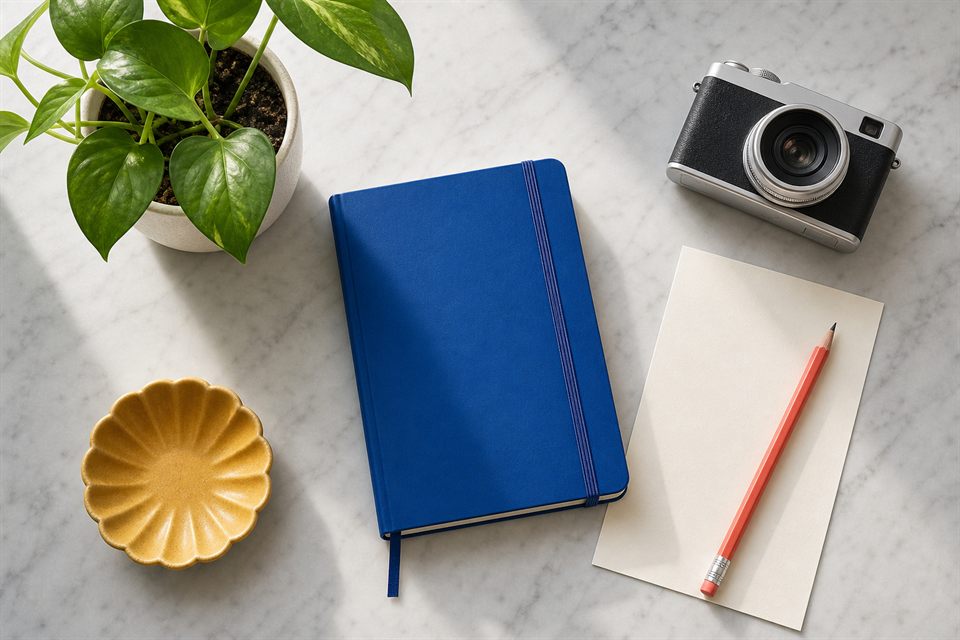
This is the sample image after making it 65% lighter. Try it or add your own image with the assistant.
Reproducible results
Tests using sample files and the same local workflow available on the site. These are checkable references, not universal promises.
Lower quality preserved the dimensions and a natural appearance.
WebP reduced bytes while keeping edges and text readable.
Transparency was preserved; JPG was not a valid alternative.
Method: same dimensions unless the limit requires resizing; downloadable Blob measurement and visual review at intended size. The browser can change the result.
Repeat the test with my image →Direct shortcuts
Open a specific job, or use the assistant to decide for you.
Common limits
Go directly to the file-size limit or exact pixel dimensions you need.
Real privacy
Compression, resizing and conversion run in your browser. There are no uploads, accounts or stored images.